









How to Set Up Autopay to Pay Your Loan Without Missed Payments
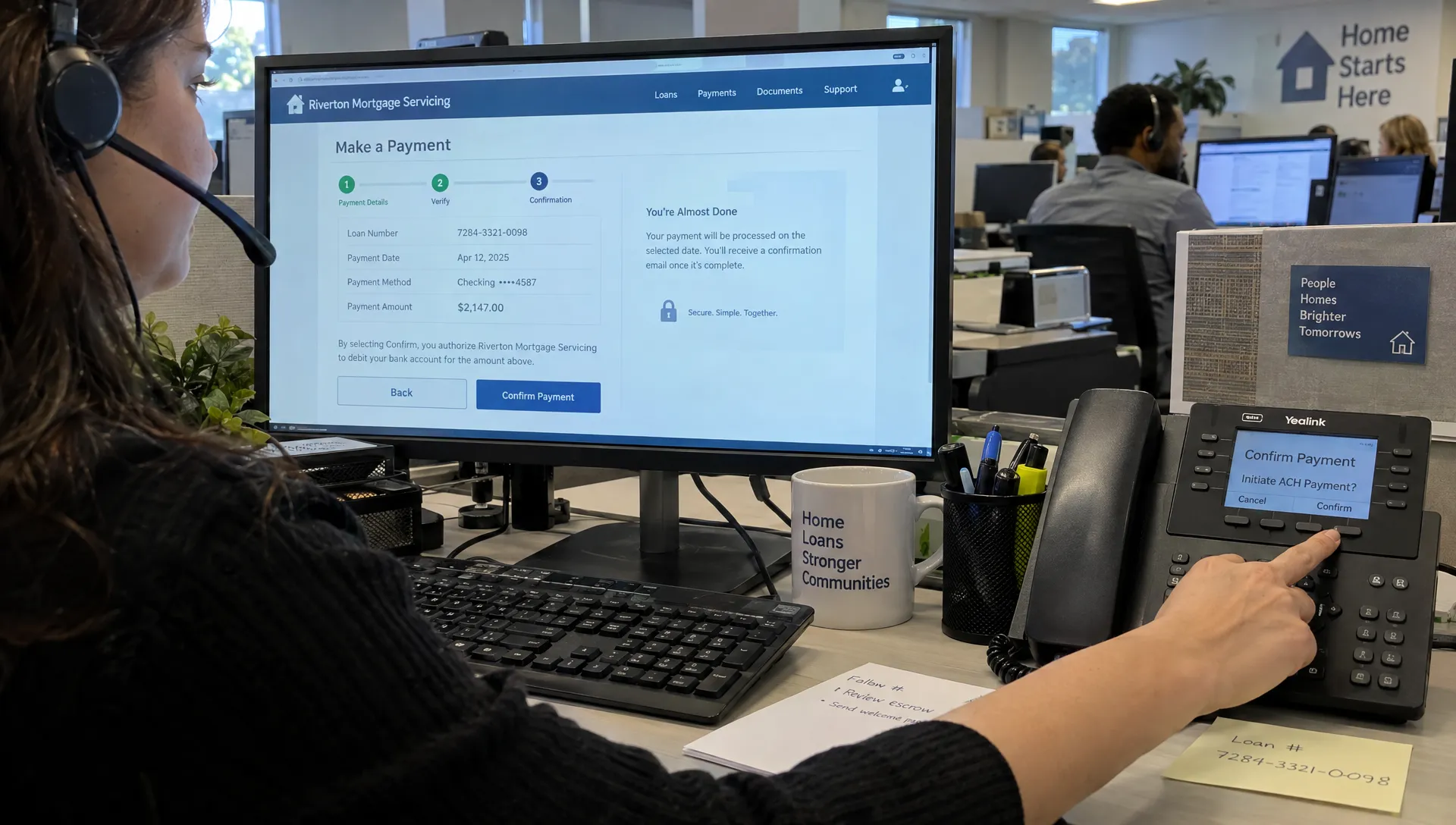
Autopay can help you pay your loan on time, but enrollment alone does not guarantee that a payment will go through. The right servicer, a funded bank account and a confirmed start date matter just as much as turning the feature on.
For a mortgage, the safest setup is straightforward: verify who collects your payments, authorize the correct monthly amount and check that the first withdrawal actually posts. Follow these steps to reduce the risk of missed payments, rejected drafts and accidental double payments.
1. Confirm who currently services your loan
Your loan servicer is the company that collects payments and manages your account. It may be different from the lender that originally provided your mortgage.
Find the servicer’s name, website and customer service number on your latest statement or verified servicing-transfer notice. Locate your loan number there, too. If this is your first mortgage payment, check the payment instructions provided after closing and any subsequent servicing notices.
Before entering banking information, verify the website independently. Avoid payment links in unexpected texts, search ads or emails demanding urgent action. A padlock indicates an encrypted connection, not proof that the business is legitimate.
If the payment instructions have changed, call a number from a trusted statement or previously verified source. Do not rely solely on contact details in the message announcing the change.
2. Choose how to pay your loan automatically
Two common options are servicer-managed autopay and recurring payments through your bank. They work differently, especially when the payment amount changes.
| Payment method | Who initiates it? | What to check |
|---|---|---|
| Servicer autopay | The servicer withdraws funds under your authorization | Whether it drafts the current amount due, when it starts and how changes are handled |
| Bank bill pay | Your bank sends a payment according to your instructions | Delivery method, arrival date, correct loan number and whether you must update the amount |
| One-time online payment | You authorize an individual payment | Whether another draft is already scheduled for the same installment |
Servicer autopay commonly uses an ACH debit from an eligible checking or savings account. Bank bill pay may send funds electronically or mail a check, depending on the recipient.
Neither method is automatically safer for every borrower. Choose the one whose timing, amount and confirmation process you understand. Do not assume that a recurring bank payment will adjust when your mortgage escrow amount changes.
3. Pick a date based on payment crediting, not convenience alone
Before you pay your loan through a recurring schedule, confirm four details: the contractual due date, available withdrawal dates, payment cutoff time and the servicer’s rules for weekends and bank holidays.
The date money leaves your bank, the effective payment date and the date a transaction appears in the portal may differ. Ask which date determines whether your payment is on time.
For example, if payday is the 3rd and your payment is due on the 10th, an available draft date on the 6th might work. That example only helps if funds are available and the servicer confirms that the schedule meets its payment requirements.
Do not build your routine around a late-fee grace period. It does not change the contractual due date, and its terms may differ from other payment-processing rules.
If the portal offers only dates that conflict with your cash flow, contact the servicer before enrolling. A different payment method may be necessary. Use an actual delivery estimate for bank bill pay, particularly when a paper check will be mailed.
4. Enroll and save the authorization
Once you have verified the portal and timing, sign in and look for automatic payments, recurring payments or ACH authorization. You may need to register using your loan number and identity-verification information.
To pay your loan through autopay, work through the setup carefully:
- Select the correct loan: Match the account number and property information to your statement, especially if you have multiple loans.
- Enter the funding account: Confirm that the account is eligible and double-check the routing number, account number and account type.
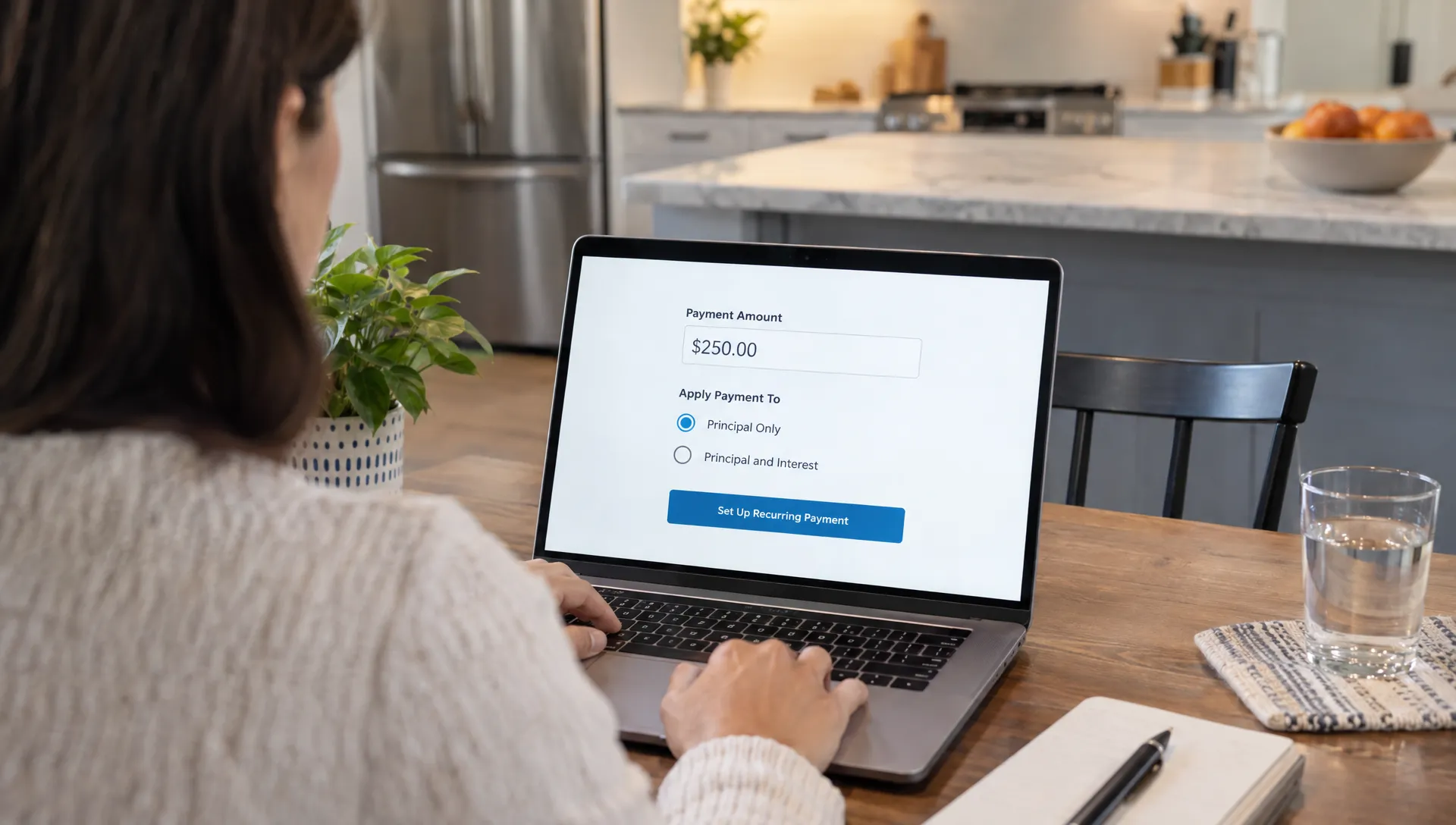
- Choose the payment amount: Determine whether you are authorizing the full scheduled payment or a fixed dollar amount.
- Select the withdrawal date: Verify both the recurring date and the first payment covered by enrollment.
- Review the authorization: Check processing terms, possible fees, cancellation instructions and any rules for payment changes.
- Save the confirmation: Keep the enrollment receipt or authorization in a secure location, including the effective date and confirmation number.
Some services require bank-account verification before activation. Complete that process through the verified portal. Never send full bank credentials through ordinary email or text.
If an autopay interest-rate discount is advertised, confirm the eligibility requirements and consequences of canceling it. Do not assume your loan includes one.
5. Make sure the first payment actually posts
“Enrolled” is not the same as “paid.” Autopay may not begin with the installment currently due, particularly if you enroll near a processing deadline.
Check whether the confirmation explicitly identifies the first covered payment. If it does not, contact the servicer and ask whether you need to pay your loan manually for the current month.
Before making that manual payment, check for pending withdrawals and ask whether autopay will still draft. A separate payment does not necessarily cancel an already scheduled transaction.
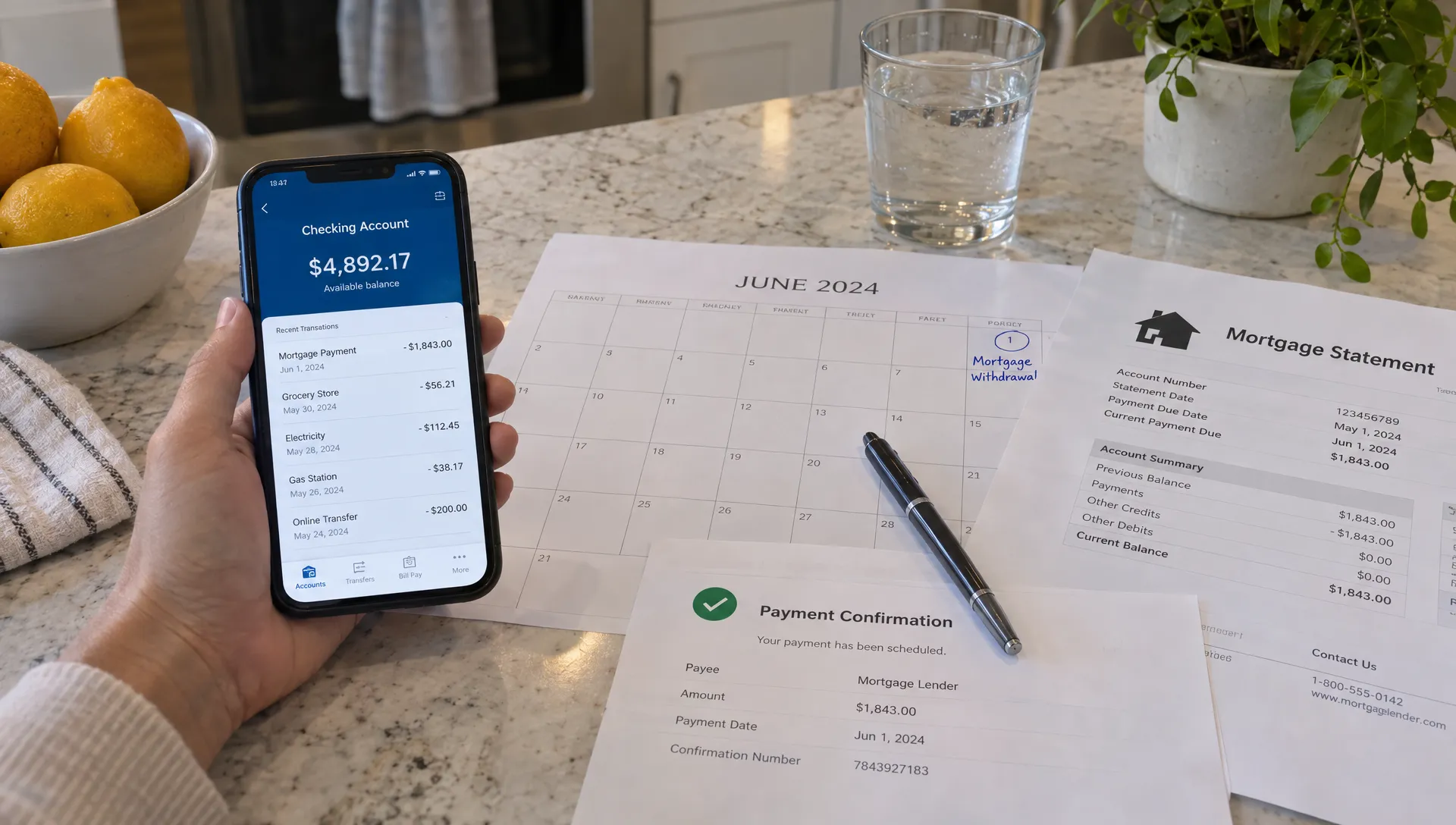
For the first cycle, review both sides of the transaction. Your bank should show the expected withdrawal, and the loan account should show the payment credited to the correct installment. A bank debit alone does not establish that the servicer applied it correctly.
Keep the confirmation until the payment is fully reflected in your account history. If the portal shows an unexpected amount, an overdue balance or no payment after the stated processing window, contact the servicer promptly rather than assuming the display will resolve itself.
6. Add alerts and a cash buffer
Autopay handles scheduling, not account funding. Keep enough available money to cover the withdrawal and other transactions that may settle around the same time. A pending deposit is not always available to spend.
Set a low-balance alert at your bank and enable payment confirmations or failure notices where available. A calendar reminder before the scheduled draft gives you time to review the balance, while a second reminder afterward helps you confirm posting.
If you pay your loan from the same account used for groceries, utilities and other bills, base your cushion on those overlapping expenses. There is no single buffer amount that fits every household. New Era Lending’s guide to matching a home loan to your budget explains why the full housing payment matters when assessing affordability.
Automation still needs an exception plan. The test-and-monitor approach described in this guide to automated follow-up workflows offers a useful parallel: establish when a person should step in. For payments, a rejected withdrawal or missing confirmation should trigger a check with the servicer, not a blind second payment.
7. Review autopay when your loan or bank account changes
Payment increases and extra principal
A fixed recurring transfer can become too small if your required payment increases. Mortgage payments can change because of escrow adjustments or, for adjustable-rate loans, interest-rate changes. Read payment-change notices even when autopay is active.
Confirm whether your authorization updates the draft to the new amount or requires action from you. If you want to pay your loan faster, keep the required installment separate from any optional extra principal instruction.
Extra funds are not always applied the way you intend. Ask how to designate principal-only payments and verify the result on your next statement. For a broader repayment plan, review ways to shorten your loan term before committing money you may need for emergencies.
New bank accounts, servicing transfers and payoff
Before closing a funding account, update the payment instructions and confirm when the replacement account becomes effective. Coordinate cancellation of the old draft so you do not create either a gap or duplicate withdrawals.
When servicing transfers, follow the verified transfer notices and confirm whether an existing authorization continues or must be replaced. Do not assume either outcome.
For a refinance or payoff, obtain a current payoff quote rather than treating the displayed principal balance as the final amount. Ask how pending automatic drafts will be handled and confirm whether you need to cancel future withdrawals after payoff.
8. Respond quickly to failed or unexpected payments
When something goes wrong, check the bank transaction, loan history and any notices before sending another payment. The correct fix depends on whether the original payment failed, remains pending or posted incorrectly.
| Problem | What to do next |
|---|---|
| Insufficient funds or returned debit | Contact the servicer about an approved replacement payment, possible fees and whether another draft will be attempted |
| No withdrawal on the expected date | Check the activation date and holiday rules, then confirm whether the draft is pending |
| Duplicate withdrawal | Contact the servicer and bank promptly to discuss the transactions and available correction options |
| Payment sent to the wrong loan | Provide the confirmation details and request a review of the payment allocation |
| Partial payment not credited as expected | Ask whether funds are being held until enough arrives for a full periodic payment |
If you cannot pay your loan in full, contact the servicer before the due date when possible. Canceling autopay does not cancel the payment obligation, and sending a partial amount may not satisfy the required installment.
Keep records of calls, secure messages and confirmation numbers. If a mortgage servicing issue remains unresolved, the Consumer Financial Protection Bureau’s complaint process provides a way to submit the problem for a company response.
Frequently asked questions
Can I make online loan payments without a checking account at the lender? Often, yes. Many servicers accept payments from eligible accounts at other financial institutions. Verify accepted account types, fees and processing times with your servicer.
Does autopay guarantee I will never miss a payment? No. Insufficient funds, incorrect account information, delayed activation and servicing changes can interrupt payments. Monitor the first draft and review statements afterward.
Should I make a one-time payment before autopay starts? Only if the current installment is not covered and a separate payment is needed. Check pending transactions and confirm with the servicer first so both payments do not process.
Can I pay your loan in two installments each month? If you mean splitting your monthly payment, ask your servicer how it handles partial payments. Some mortgage payments may be held until enough funds accumulate for a full periodic payment. Two transfers do not necessarily count as an accepted biweekly payment plan.
What if I have several loans with the same company? Verify each loan separately. Do not assume one autopay authorization covers every account or that extra money will be allocated across loans as you intend.
Keep payment support separate from new financing
For an existing payment, your current servicer is the right contact for enrollment, posting questions and payment difficulties. Have your statement and confirmation details ready, but share sensitive information only through verified channels.
If you are considering a home purchase, refinancing or access to home equity, New Era Lending offers mortgage options with technology-supported tools and personalized human guidance.